
See when the nectar flow changes
Follow daily gains and notice when they slow down. Compare the chart with weather and inspections as you plan visits and honey harvests.
Apiary monitoring
Unpack. Scan. Place beneath your hive.
Follow changes in hive weight in the Fluxabee app, even between visits to the apiary. Scan the QR code to link the scale to your account.
499.00 EUR
Price incl. VAT
First year of scale service included
SIM and app: first year free, then 29 EUR / year. See your costs.Fluxabee 4G hive scale
1 / 4Information you can use at the hive
Follow what happens between inspections: changes in nectar flow, use of stores and differences between locations. Get a clearer picture of your apiary before you set off.
Follow daily gains and notice when they slow down. Compare the chart with weather and inspections as you plan visits and honey harvests.
A sustained weight decline is a signal worth investigating. The measurement history helps you assess the trend and plan a check of stores or feeding.
Scales at different locations show how the season is developing at each site. Use that extra information when choosing colony locations and planning hive transport.
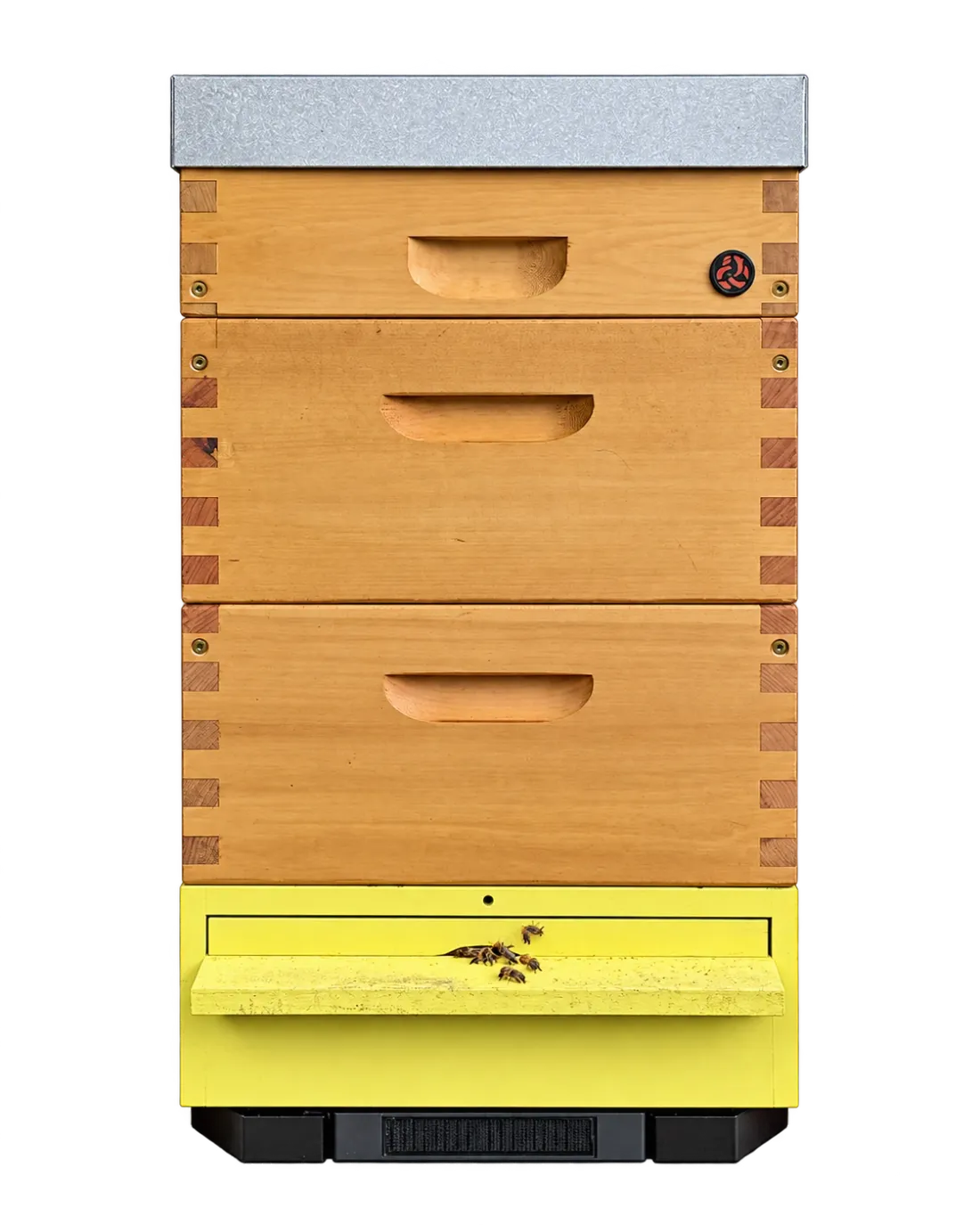
A stable foundation
The compact frame holds the solar panel, antenna and all electronics. Nothing extends beyond the hive, while four support points and an open centre make everyday apiary work easier.
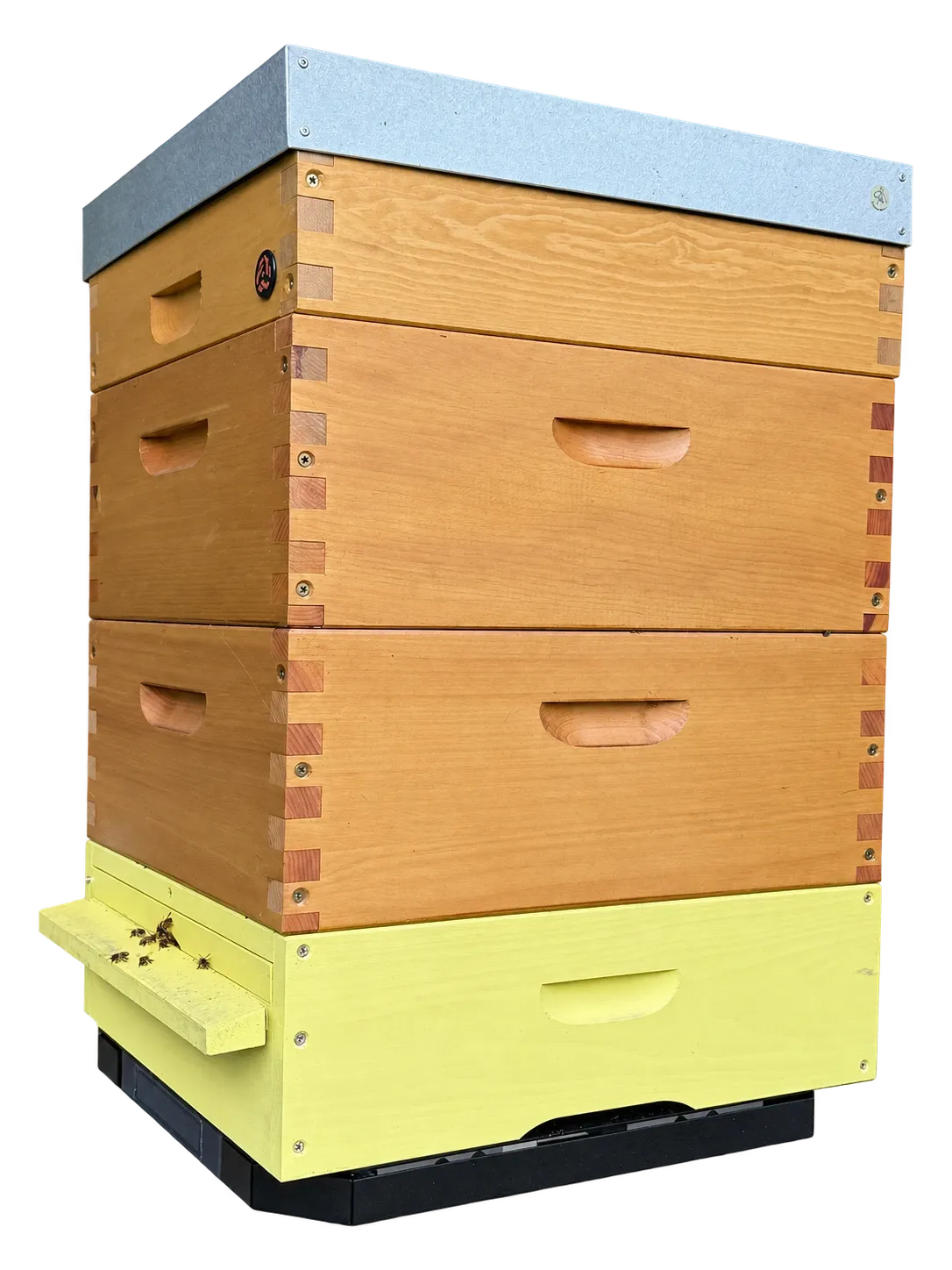
Power and connectivity in one unit
Solar panel, battery, modem and antenna are all part of the scale. No cables to run, hub to install or SIM to buy. Everything comes in one device.
The integrated solar panel tops up the battery. No taking the scale home to plug it in and no replacement batteries to buy. Data transmission adapts to temperature and battery charge.
The antenna inside the frame helps maintain a connection even where your phone shows one bar. The scale uses 4G or 2G with its built-in SIM. Coverage from a compatible network is needed at the site.
Measurements in the Fluxabee platform
Measurements arrive in the same app where you keep your apiary history. See current weight, temperature and gains, with inspection observations providing context.
Adding a hive box or removing frames changes the weight. Fluxabee analysis helps distinguish these jumps from gradual changes linked to colony activity.
Notifications draw your attention to concerning weight drops. Open the chart, compare readings with your work history and decide what to check at the hive.
Return to charts and compare changes over time. Temperature alongside weight helps you assess the day, weather and colony activity.
Widgets show selected hive information without opening the app. Glance at the changes and get back to work.
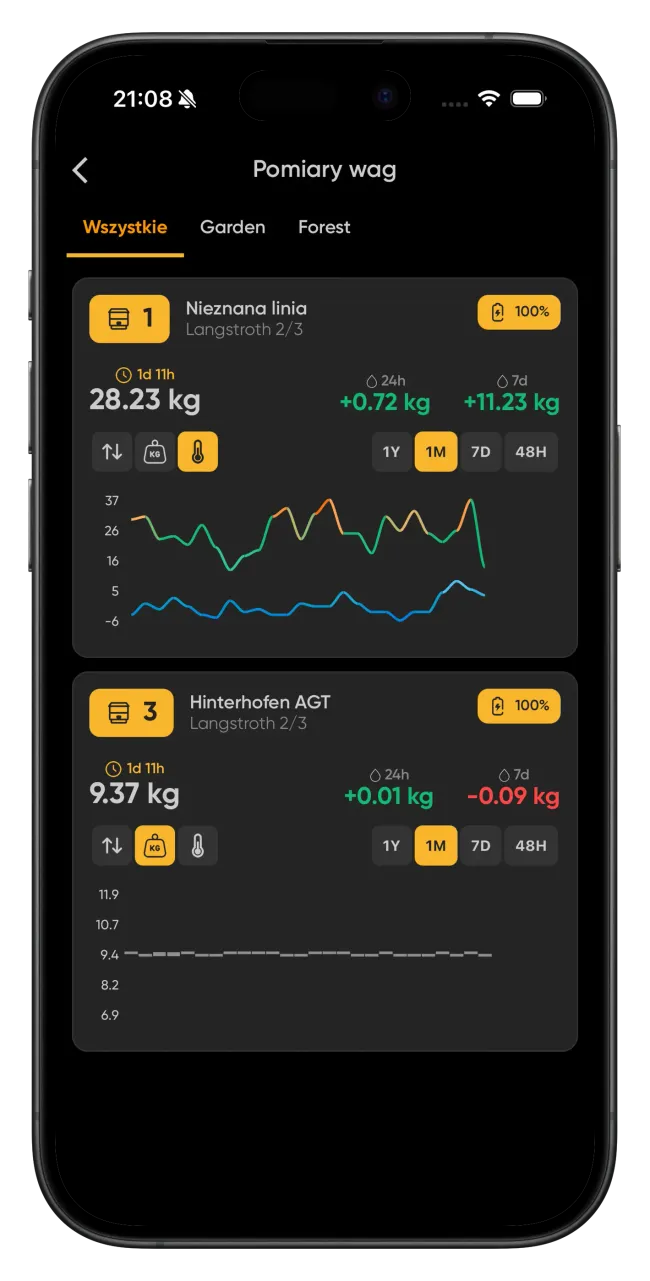
App video tutorial · 14:32
See step by step how to use charts, sensor readings and alerts in the Fluxabee app. Recorded in Polish; caption options are available in the player.
Watch on YouTubeDevice details
The main construction details and operating principles in one place.
Hourly measurement does not mean hourly transmission. Sending frequency depends on conditions, so the time readings appear in the app can vary.
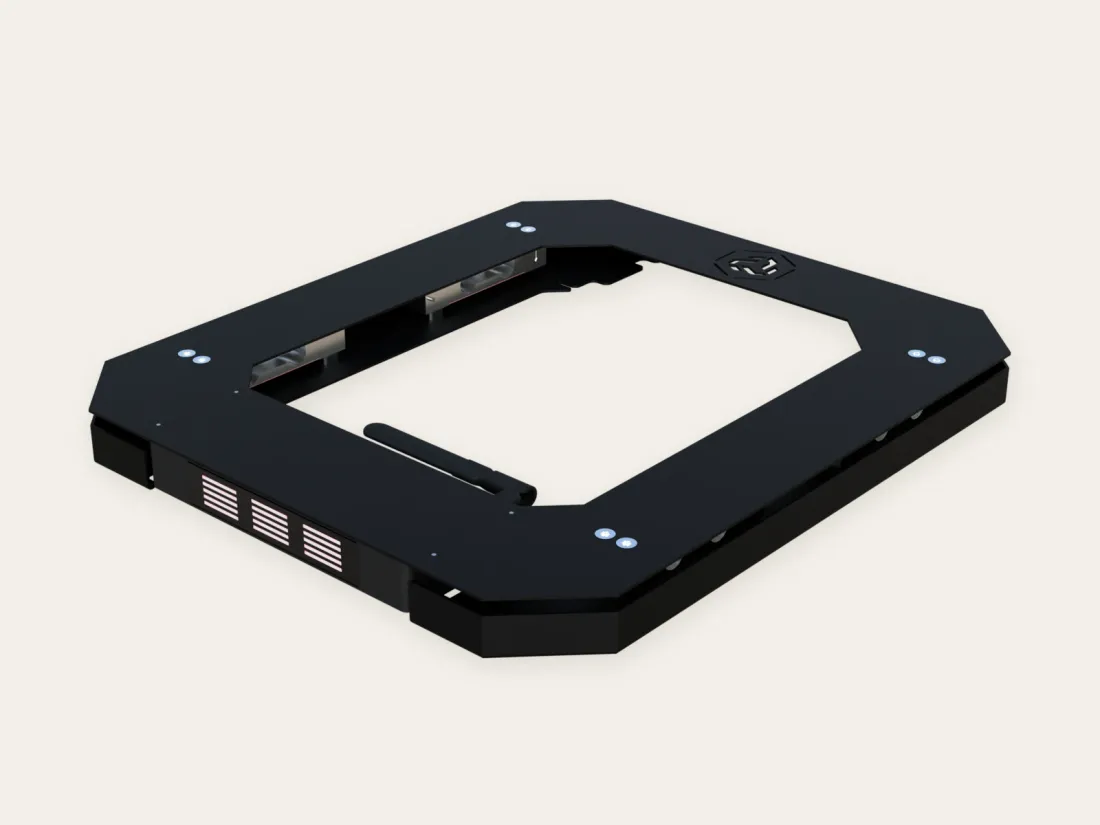
Included
Power and connectivity components are already part of the scale. To start, you need a phone with the Fluxabee app and an account to assign the device to.
In everyday use
Solar panel, battery and SIM are already built in. Link the scale to the app and place it beneath your hive. No cables to run or extra devices to install.
Explore the appInstall the Fluxabee app, create an account and scan the scale’s QR code. Activate it and check it at home by following the setup guide.
Switch the scale off for transport. At the apiary, switch it on, place it under the hive and assign it to that hive in the app.
Open the app to see readings and the history of weight changes. The scale keeps taking measurements while you are away from the apiary.
Connectivity and app
The annual fee covers mobile data through the built-in SIM and access to your measurements in the Fluxabee app. You do not need to buy a SIM or arrange a separate mobile contract.
Your scale sends measurements over the mobile network. The SIM and data service are included - no apiary Wi-Fi or manual SIM top-ups needed.
The Fluxabee app for iOS and Android: clear weight and temperature charts, notifications, and all your scales in one place.
We store historical data for 10 years. Revisit previous seasons and compare changes in your apiary.
29 EUR / year
equivalent to 2.42 EUR / month
SIM, mobile data, the app for your scale, and measurement history. Billed once a year.+5 EUR / year
equivalent to 0.42 EUR / month
Its own first year is free too. The extra fee starts in its second year, for scales beyond your plan allowance.Optional Basic and Pro plans add apiary management and AI-assisted inspection notes to the app. Scale service is then included in your app plan.
Explore the Fluxabee app49 EUR / year
Up to 10 hives. Apiary management and AI notes from voice or text.
Service for 1 scale at no extra charge119 EUR / year
Unlimited hives. Everything in Basic, a larger AI allowance, an AI assistant, varroa counting from photos and weather history from the last 3 years.
Service for 2 scales at no extra chargeCost calculator
Choose how many new scales you need and whether to add AI to your app.
Without AI, hive count does not change your scale service cost.
Compare Basic and Pro featuresSIM, mobile data, charts, notifications, and history. No additional AI plan.
0 EUR
equivalent to 0.00 EUR / month
Every new scale comes with its own first year of service free.
29 EUR
equivalent to 2.42 EUR / month
One fee covers the SIM, mobile data, and the app for your scale.
Prices include tax and are billed annually. The monthly figure is the annual price divided by 12.
This calculator is for a first purchase of new scales. It shows their service cost and the optional app with AI; hardware is purchased separately. A scale bought later has its own first year of service free, but does not give another discount on the app plan.
Before you begin
A few answers to get started. If you would like to know more, we are here to help.
Let's talkNo. Fluxabee 4G supports the 4G and 2G cellular networks using a built-in SIM and an antenna inside the frame. You need compatible 4G or 2G coverage at the installation site, but no router or Wi-Fi.
Weight and temperature are measured every hour. Transmission adapts to battery charge and temperature, so readings may appear in the app later. The setup guide explains the details.
A solar panel built flush into the frame recharges the battery. The device adapts data transmission to operating conditions. The scale guide explains setup and how to read its status lights.
You can start with a selected colony at a site. Scales in several locations help compare nectar-flow conditions. Remember that one hive's reading does not automatically describe every colony's condition.
It changes the weight of the whole hive. Fluxabee's gain analysis helps separate sudden changes caused by beekeeping work from changes within the colony. Read the chart together with your inspection history.
Notifications depend on measurements received by the server and your alert settings. This is not a real-time alarm. Weight drops can have different causes and require an on-site check.
The scale has a solar panel and low-power electronics. Available light, temperature and battery charge affect operation and transmission. The guide helps you assess device status and troubleshoot missing readings.
Start with the setup guide and the explanation of the scale's status lights. If the issue remains, contact Fluxabee. The linked purchase terms and returns page explain support requests, returns and claims.